

Every service, set up for your project.
Maptoolkit Enterprise includes all Maptoolkit APIs on dedicated infrastructure, with custom SLAs and direct account management. Some services are available only with Enterprise.
What Enterprise includes.
Every API and service Maptoolkit offers, the use your project needs and a team that knows your setup.
Use without limits
Unlimited requests
Map and API requests without a monthly allowance to watch.
Fixed pricing
A monthly or yearly price based on the size of your project.
Dedicated infrastructure
The services run on infrastructure set up for your project, with custom SLAs.
Enterprise-only APIs
Map Matching API
Recorded GPS tracks snapped to roads and paths.
Weather API
Temperature, rain and wind as map layers and forecasts.
Maptoolkit Connectors
Your database or search index as a fast map layer.
Data Brokerage
We turn a dataset into map-ready output and host it.
Your own map
Custom map styling
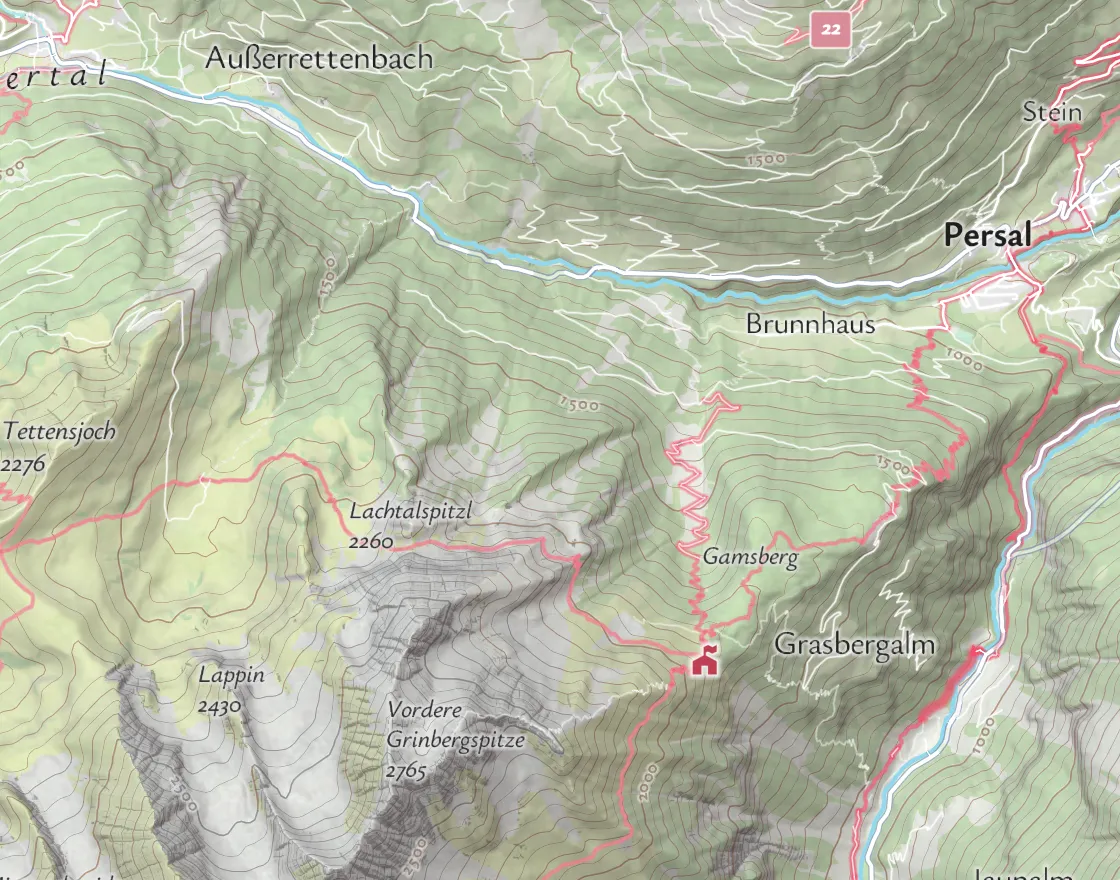
A map design in your colors, with the labels and layers you need.
Your geodata on the map
Your own places, routes and areas shown on the map.
Templates and demos
Code demos and templates to start your project from.
Developer‑to‑developer support.
With Enterprise you work with the developers behind Maptoolkit, from the first map to later releases.
Maptoolkit developers
Technical questions go straight to the people who build the platform, not to bots or forum threads.
Developer briefing
A Maptoolkit developer walks you through the APIs and the setup that fits your project.
Dedicated project manager
One project and key account manager as your direct contact, for planning, changes and later releases.
Where Enterprise is used.
Portals and apps that combine several services, often with their own data. Three common examples:
Tourism portals
Tours, huts and routes on outdoor maps, for a whole region.
Real estate
Listings with what is reachable on foot, by bike or by car.
Your own data
Thousands of places from your own database, kept up to date on the map.
Routes and travel times from the Maptoolkit Routing and Isochrone APIs; places are OpenStreetMap data (October 2026).
Questions about Maptoolkit Enterprise.
Short answers on testing before you decide, running servers and map libraries.
Can we test the APIs before we decide on Enterprise?
Yes. The free Basic plan on RapidAPI lets you test and develop with the same endpoints, parameters and responses that Enterprise uses, within a monthly allowance. That covers services such as maps, routing, geocoding and isochrones. The Enterprise-only services, such as the Weather API and Maptoolkit Connectors, are not part of it, so book a demo to see those with your own data.
Do we have to run any servers ourselves?
No. With Enterprise, Maptoolkit runs the services for you on infrastructure dedicated to your project, and your app calls them with your API key. If your IT would rather operate the platform in-house, Maptoolkit Server is the self-hosted version of the same stack. You can start with Enterprise and move to Maptoolkit Server later.
Which map libraries can we use with Maptoolkit?
We recommend MapLibre GL JS, an open-source library that loads a Maptoolkit map style from a single web address and supports 3D terrain and the globe view. Mapbox GL JS, OpenLayers and Leaflet work as well. The APIs are standard web requests, so your backend can call them in any language.
See your use case on a Maptoolkit map.
In the demo, one of our engineers walks you through the platform, your data and the move from your current provider.