

Start small, ship fast.
Build on the free tier, launch on the same maps, routes and search, and keep a developer on the other end of support as your product grows.
A plan for every stage.
Take a first look with the free community tiles, start on a free self-service plan, move to a larger one as your traffic grows, and switch to Enterprise when you need dedicated infrastructure or services such as Maptoolkit Connectors and the Weather API. From a self-service plan to Enterprise only the address and the key change.
First look
Try the map with the free community tiles of maptoolkit.org, with no API key and no sign-up, also on localhost. Routing, search and the other APIs need a key.
Start
Build and test on the free plan. It has a hard limit, so requests stop instead of creating costs.
Grow
Larger monthly allowances through RapidAPI. Requests past the allowance are billed instead of refused, and you can switch plans there.
Scale
No request limit, dedicated infrastructure, custom SLAs and direct account management, plus Maptoolkit Connectors, the Weather API and custom map styles.
A developer answers
Support comes straight from the people who build the platform, at every stage.
Nothing is billed per map load
Map tiles and API calls are counted separately. Flexible pricing that scales with you.
From idea to a working map in a single prompt.
Connect the Maptoolkit MCP server to your AI assistant and it knows every endpoint, parameter and tile URL. No docs to paste.
https://mcp.maptoolkit.net
Here is your map: hiking style, 3D terrain and the walking route from the Routing API. Add your Maptoolkit API key and it runs as is.
const map = new maptoolkit.Map({
  apiKey: "YOUR_API_KEY",
  style: "maptoolkit://styles/maptoolkit/maptoolkit.hiking",
  center: [11.388, 47.2985], zoom: 14, pitch: 55
}).setContainer("map");
map.once("style.load", async () => {
  map.addSource("terrain", maptoolkit.TERRAIN);
  map.setTerrain({ source: "terrain" });
  const url = "https://routing.maptoolkit.net/route?routeType=foot"
    + "&points_encoded=false&point=47.2869,11.3990"
    + "&point=47.3070,11.3780&api_key=YOUR_API_KEY";
  const { paths: [route] } = await (await fetch(url)).json();
  map.addSource("route", { type: "geojson", data: route.points });
  map.addLayer({ id: "route", type: "line", source: "route",
    paint: { "line-color": "#FA3F38", "line-width": 4 } });
});
Moving from another provider.
Each migration guide starts with what Maptoolkit does not do, then shows the code changes.
From Mapbox
Mostly mechanical: MapLibre GL JS is the open fork of Mapbox GL JS, so most of your code stays as it is.
Watch for: terrain is Terrarium encoded where Mapbox uses terrain-rgb.
From Google Maps
The map layer is rewritten; directions, geocoding and elevation have direct counterparts.
Watch for: Places autocomplete, Street View and traffic have no equivalent.
From MapTiler
Often one URL: both are MapLibre-native, so for a standard style only the style address and the key change.
Watch for: MapTiler has satellite imagery and Maptoolkit does not.
One API key
Your Maptoolkit key replaces the token you use today, on every request.
Plain-text errors
A failed request returns a status and a short text, not JSON.
What you can build.
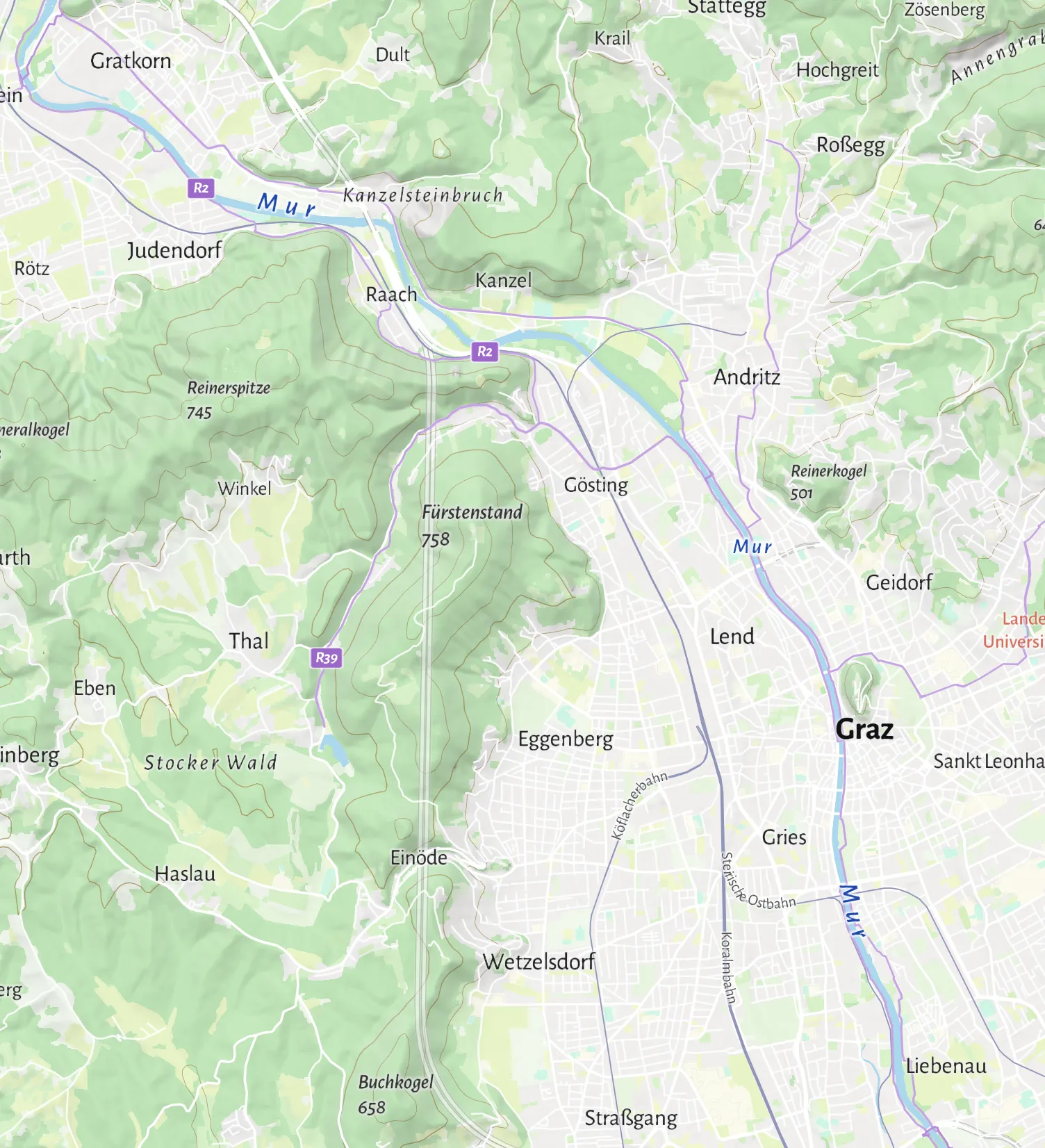
Three kinds of products that start small and grow on the same APIs. The images show open data as an illustration.
Mobility and sports apps
Routes for walking, cycling and driving on a map that runs in your app.
Delivery and service areas
Show which places you reach in 10, 20 or 30 minutes.
Travel and outdoor products
Tours on the Hiking map, with distance and climb from the routing data.
Routes and areas from the Maptoolkit Routing and Isochrone APIs (October 2026).
Questions from startups.
Short answers on web frameworks and moving from a standard style to your own.
Does Maptoolkit work with React, Vue, Angular or Next.js?
Yes. Maptoolkit maps work in web frameworks, and the documentation has guides for React, Next.js, Vue and Angular. The map code itself stays the same. The guides cover the framework part: where to create and destroy the map, where to store it, and how to avoid the server rendering problems that Next.js and Nuxt can cause.
Can we start with a standard map style and switch to our own later?
Yes. Start with one of the seven standard styles: Summer, Winter, Hiking, Cycling, Street, Light or Dark. A custom style in your own brand colors is part of Maptoolkit Enterprise, not the self-service plans. When you move up, your map loads the new style from its web address, and your markers, layers and code stay the same.
See your use case on a Maptoolkit map.
In the demo, one of our engineers walks you through the platform, your data and the move from your current provider.